Summary: Power BI migration delivers clarity, flexibility, and financial savings for organizations moving away from Tableau. With practical planning, strong security, and adaptable dashboards, enterprises gain improved insights, smoother operations, and tighter collaboration across teams. Smart transition steps, including key cost-effective BI solutions and best practices for Power BI, ensure measurable business benefits.
Explore why many businesses migrate to Power BI, the main challenges faced, and tested strategies for analytics transformation and value.
Business analytics tools play a central role across today’s companies. Operations depend on how quickly and clearly teams can access usable insights, not just review a graphic or chart. The industry recognizes Power BI and Tableau as leading options, but organizations often encounter challenges as their needs expand.
Budget pressure, user growth, or a need for better data connections all push the discussion forward. Migrations such as tableau to power BI migration become a routine part of business strategy. When the internal team reaches project limits, external partners step in to accelerate results and avoid delays. Migrating reports from Tableau to Power BI now stands as a benchmark for progressive business intelligence transformation.
Why migrate from Tableau to Power BI
Unpacking motivations for switching business intelligence platforms requires looking at financial strategy, user access, and reporting demands. Organizations balancing cost against capability frequently consider power BI and tableau. Each has strengths, but Power BI routinely attracts attention with easier licensing, expanded connections, and strong automation. So, let’s understand why migrate from Tableau to Power BI and how power BI benefits drive adoption.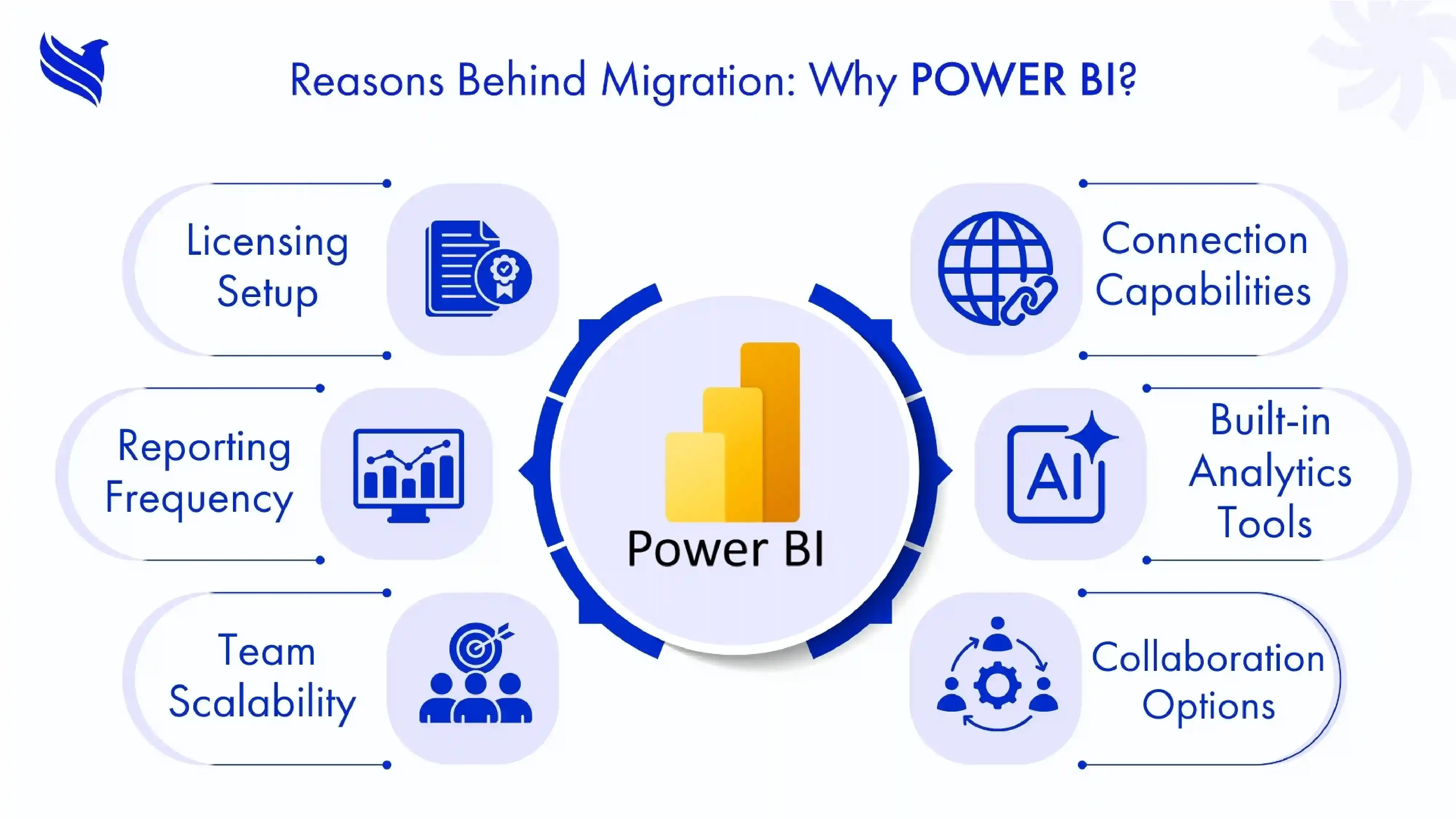
- Licensing setup: Many organizations examine analytics costs closely. As budgets tighten, Power BI delivers key cost-effective BI solutions and flexible payment models.
- Connection capabilities: Power BI and Tableau both offer integration, but Power BI links up with Microsoft 365, Excel, Teams, and more. Integrations come standard; manual imports drop off.
- Reporting frequency: Power BI runs live dashboards. Tableau’s approach, tied to batch refreshes, feels slower by comparison.
- Built-in analytics tools: Businesses seeking AI features, automation, or deep trend analysis find Power BI moves at a faster pace with updates; bringing distinct power BI benefits.
- Team scalability: Power BI supports rapid expansion, suiting hybrid data setups that mix cloud and office storage.
- Collaboration options: Multiple departments build, share, and edit dashboards inside Power BI’s workspaces. Version control comes included, errors drop. Power BI dashboard benefits extend to cross-team knowledge sharing.
Organizations making the switch are looking for a BI tool that fits their changing business model, supports more staff, and grows without constant manual intervention.
Migration obstacles: What needs attention
Transitioning business intelligence platforms remains one of the more technical undertakings for a modern business. Even meticulous planning cannot account for every hurdle. So, let's take a look at the migration challenges that can hinder success with tableau to power BI migration.
- Report complexity: Tableau dashboards contain layers, formulas, grouped data, interactive visuals. Transporting every detail to Power BI takes effort.
- Formula differences: Tableau and Power BI use separate formula languages. Every conversion needs a thorough manual review to avoid errors.
- Data relationships: Maintaining integrity is critical. When a linked field changes, visuals and analysis sometimes break, so extra checks are needed.
- User preferences: Employees resist abrupt layout changes. A familiar look in Power BI helps ease the transition.
- Training requirements: Moving teams to Power BI means hands-on workshops, not just video guides. New tools mean new habits.
- Data security: Transfer of sensitive company information requires strong permission controls. Errors during migration can cause privacy setbacks.
- Resource planning: Manual dashboard recreation slows progress. Outsourcing sections to Power BI experts accelerates work and avoids fatigue in-house.
Each obstacle, left unchecked, brings its own set of operational risks. Following best practices for Power BI streamlines resolution.
Unlocking the benefits of Power BI for your business
Once migration is complete, organizations start experiencing real advantages. Some improvements are immediate, while others become clear as reporting and collaboration mature. The points below highlight how power BI dashboard benefits multiply in daily performance for all business units.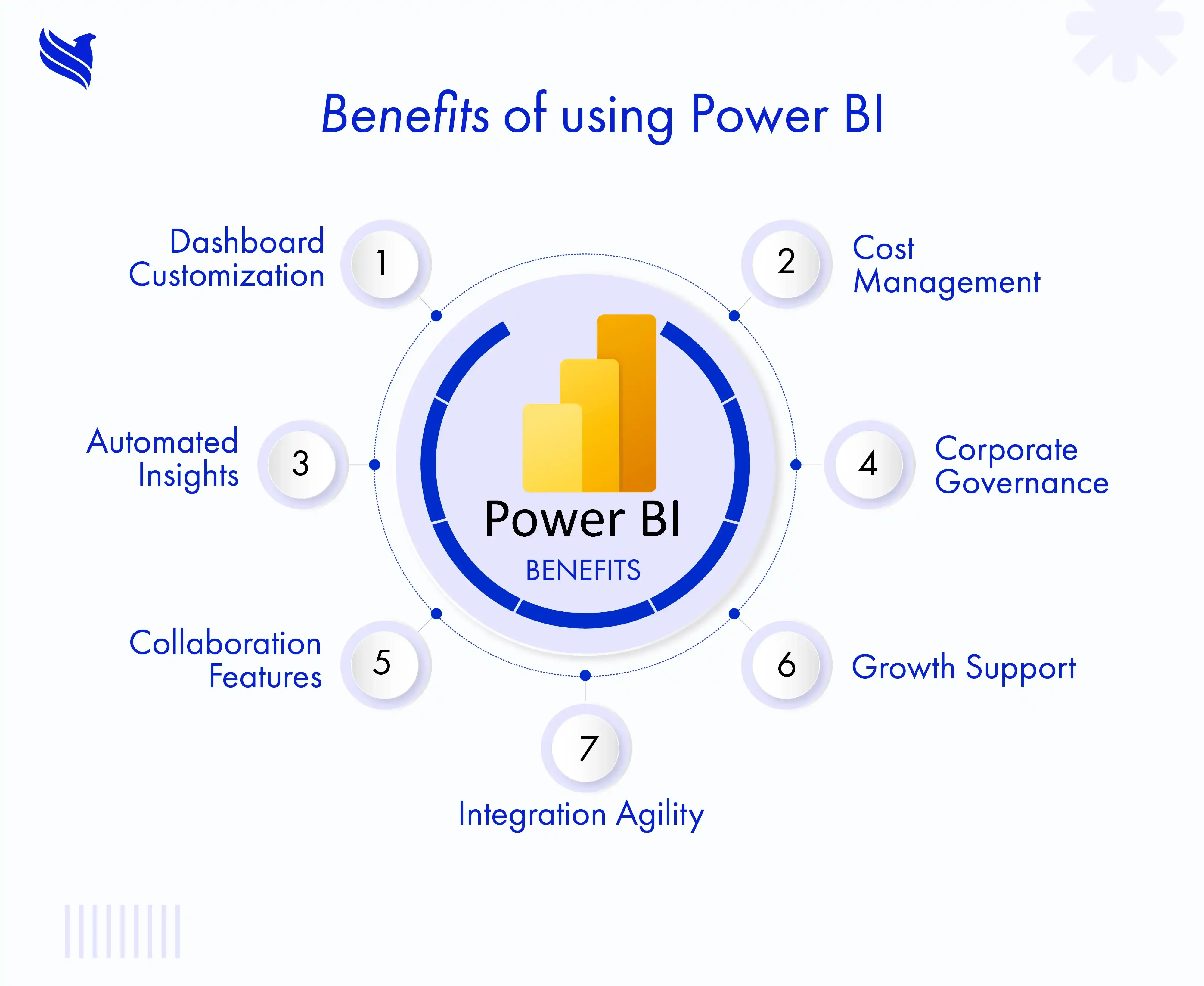
- Dashboard customization: Flexible visualization is a main power BI dashboard benefit. The platform adapts dashboards to everyday business needs—meeting varied reporting demands.
- Cost management: Most organizations notice dropped annual BI spending. Pay-as-you-go structures and cloud-first hosting keep growth affordable, highlighting power BI benefits.
- Automated insights: Power BI’s AI functions highlight patterns and forecasts, extending the impact of migrating reports from Tableau to Power BI.
- Corporate governance: Detailed audit logs, permissions, and encryption support compliance, a power BI benefit for regulated industries.
- Collaboration features: Co-authoring and shared spaces keep draft and final reports in the same workflow. Feedback happens faster.
- Growth support: Power BI scales data handling and storage automatically. No major upgrades required.
- Integration agility: Businesses optimize reporting, blending external and internal tools without major system overhauls.
Power BI and Tableau remain leaders, but switching to Power BI usually means faster updates, simpler scaling, and easier management. Best practices for Power BI ensure continuous value and adoption.
Power BI Best practices for effective migration
Navigating migration successfully rests on preparation and communication within the team. Therefore, businesses should use these best practices to deliver dependable analytics transformation and maximize results from tableau to power BI migration.
- Comprehensive review: Begin by identifying each Tableau dashboard, report, user group, and data source before making any changes.
- Automated dashboard transfer: Use reliable migration programs to convert dashboard layouts and formulas to Power BI. Automation saves hours and catches common mapping problems.
- Manual formula checking: Examine each newly built dashboard in Power BI. Compare the numbers, review formulas, and validate outcomes against your original Tableau work.
- User education: Roll out hands-on training. Set up in-person workshops or detailed tutorials. Equip every team with steps for dashboard creation, sharing, and collaboration in Power BI.
- Dashboard familiarity: Rather than forcing drastic changes, maintain layouts and navigation patterns users already recognize. Preserve critical filters and groupings where possible.
- Security controls setup: Establish clear access levels for staff. Turn on logs and track sensitive data movement from the beginning.
- Feedback collection: Invite users for comments. Respond to specific issues, remove friction points, and line up dashboards with everyday business needs.
- Iterative updates: After migration, regularly adjust dashboards and reporting processes. Rely on feedback, business KPIs, and compliance updates to guide improvements.
- Expert partnership: When internal resources stretch thin, bring in outside migration professionals. Their specialized skills can reduce errors and cut delays. This approach underscores why migrate from Tableau to Power BI can deliver optimal value.
Conclusion: Modernizing intelligence with FBSPL’s expert guidance
Any shift in analytics platforms affects performance at every level. Reliable business intelligence depends on clear steps, secured information, and continuous improvement. Those who transition to Power BI gain flexible dashboards, better team engagement, and cost benefits that scale as business grows. Migrations anchored in preparation and targeted training always return better results.
Follow best practices before and after migration. Get independent help by working with migration partners, like FBSPL, for technical expertise and smooth execution. Reach out to FBSPL to develop a Power BI roadmap tailored for your business and reporting needs.