
1 MIN READ·Oct 14, 2026·Written by Bhavishya Bhardwaj

Summary: Growing businesses often face a choice between fixing inefficient processes and automating existing workflows. This blog explains when to optimize first, when automation makes sense, which processes are suitable, and how businesses can build practical, scalable operations without automating problems they should have fixed.
The short answer: Fix unnecessary steps, unclear ownership, and inconsistent procedures before you automate. Automation makes a well-designed process faster, but it also makes a flawed one fail faster.
A business can outgrow a process long before anyone notices.
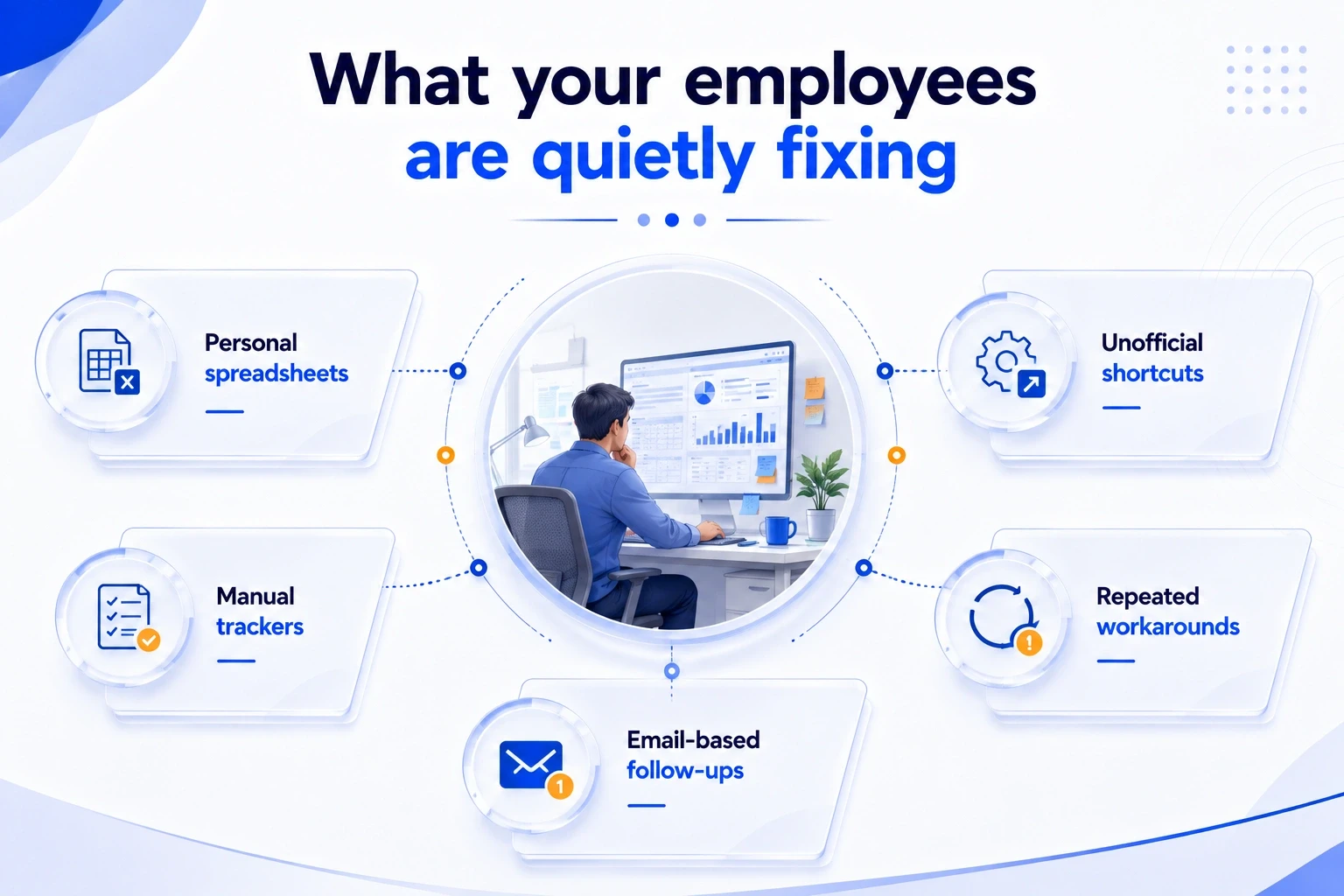
A task that took 15 minutes when a company had 20 employees can become a daily headache once the same team is handling hundreds of requests. Information gets copied from one spreadsheet to another. A manager becomes the unofficial approval desk. Someone keeps a private checklist because the official process leaves two important steps. Nobody considers these things serious enough to fix, until they start affecting clients, costs, and deadlines.
That’s where automation comes into the picture.
There is plenty of software available to automate data entry, approvals, document handling, reporting, and other routine work. AI has expanded those possibilities even further. But putting technology into an inefficient workflow does not necessarily make the workflow better.
The more useful question is what needs fixing first.
If the process itself is creating delays and confusion, start with business process optimization. If the process is already sensible but employees are spending too much time carrying it out manually, business process automation may be the better move.
Knowing the difference can prevent a costly technology decision.
Process optimization is about changing the way work moves through a business. It involves looking at the steps, responsibilities, approvals, information, and systems involved getting something done.
Sometimes the answer is to remove a step. Sometimes it means moving an approval closer to the person doing the work. In other cases, the problem is simply that nobody has defined who owns the task.
Automation comes later in many cases. It uses software, integrations, RPA, AI, or workflow tools to carry out work that would otherwise require manual effort.
Think about an invoice. Someone may receive it, check the details, enter the information, send it for approval, update the accounting system, and notify another team. If that sequence is unnecessarily complicated, automating every step will not solve the underlying problem.
So, the distinction is fairly practical:
Optimization changes the way the work is designed. Automation reduces the manual effort required to execute it.
One can support the other, but they are not the same exercise.
There are some obvious warning signs.
If employees follow different versions of the same procedure, if a request needs several approvals for no clear reason, or if people regularly have to correct information entered earlier in the process, the workflow deserves attention before technology does.
The same goes for processes that depend heavily on one experienced employee. If one person knows which documents to check, whom to contact, and which exceptions matter, that knowledge is sitting in someone's head instead of inside the process.
Frequent workarounds are another clue. Employees rarely create shortcuts for fun. Usually, they are responding to something that makes the official process inconvenient or slow.
This is where workflow optimization earns its place. The goal is to understand why the work takes as long as it does. Where does it stop? Which information is missing? Who is waiting for whom? Are two teams checking the same thing? Is an approval genuinely necessary?
McKinsey's 2025 State of AI research found that workflow redesign was the organizational practice with the strongest relationship to reported EBIT impact from generative AI among the factors it examined. Only 21% of respondents using gen AI said their organizations had fundamentally redesigned at least some workflows.
That finding points to an important distinction. A company can introduce AI without changing the way its people work. The technology may still produce savings, but the larger opportunity can be missed.
The result can be surprisingly frustrating.
Suppose five people review the same customer request because the company never established who should make the final decision. A workflow platform can route that request to all five people automatically. Nothing has gone wrong with the software. The business has simply automated an unnecessary sequence.
There are other risks too. Existing data errors may continue at a faster pace. Poor business rules can become part of the software. Employees may start maintaining spreadsheets beside the new system because the automated workflow does not handle common exceptions.
And once money has been spent on the technology, people can become reluctant to admit that the original process was flawed.
A short process review at the beginning is often cheaper than rebuilding an automation project later.
Automation makes much more sense when the underlying workflow is already understood.
The steps do not have to be perfect, but they should be reasonably consistent. The business should know what starts the process, what information is required, what rules apply, and what a completed transaction looks like.
Volume matters as well. Automating a task performed twice a month may not justify the cost of implementation and maintenance. A task performed hundreds or thousands of times is a different calculation.
Routine work such as invoice processing, customer onboarding, document extraction, record updates, notifications, scheduling, and standard reporting can often be good candidates.
The business case should still be examined carefully. Time saved is only one part of it. Error reduction, faster turnaround, employee capacity, customer experience, and implementation cost all belong in the calculation.
Deloitte's 2026 State of AI in the Enterprise research found that 34% of surveyed organizations were starting to use AI to deeply transform products, services, core processes, or business models, while another 30% were redesigning key processes around AI.
That is a useful signal for businesses considering automation. The bigger opportunity is often not simply getting a machine to perform an existing task. It is deciding whether the task, handoff, or decision should work differently in the first place.
Look for work that happens frequently and follows reasonably clear rules.
Typical examples include:
Insurance operations offer plenty of examples. A team may repeatedly extract information from submissions, update an agency management system, check required documents, assign work, and send status notifications. Once the procedure is standardized, parts of that sequence can be handled by automation while experienced staff remain responsible for exceptions and decisions.
Not every repetitive activity deserves automation.
Processes involving significant judgment need more care. So do workflows that change every few weeks, depend on unreliable data, have a large number of unusual cases, or happen too infrequently to produce a worthwhile return.
Customer-sensitive situations also deserve human attention. A system can flag a missing document. It may not understand the circumstances behind the omission.
The point is not to find the maximum number of tasks that software can perform. It is to find the tasks where automation makes operational sense.
A simple set of questions can bring some discipline to the decision.
The fastest task in a workflow is not necessarily the source of the biggest problem.
Imagine an employee spends eight minutes entering a customer record, while the completed request waits 36 hours for an approval. Automating the eight-minute activity may produce a nice efficiency number, but it does little for the customer.
The better approach is to follow the transaction from beginning to end.
Who receives it? What information is collected? Where is it entered? Which team checks it? Where does it wait? What causes rework? Which system contains the final record?
This matters even more when several departments are involved. Sales, operations, finance, and management may each perform their own part correctly while the handoffs between them create the real delay.
Deloitte and ServiceNow's 2026 Workflow Automation Outlook makes a similar case for moving away from isolated automation toward end-to-end outcomes and process transformation.
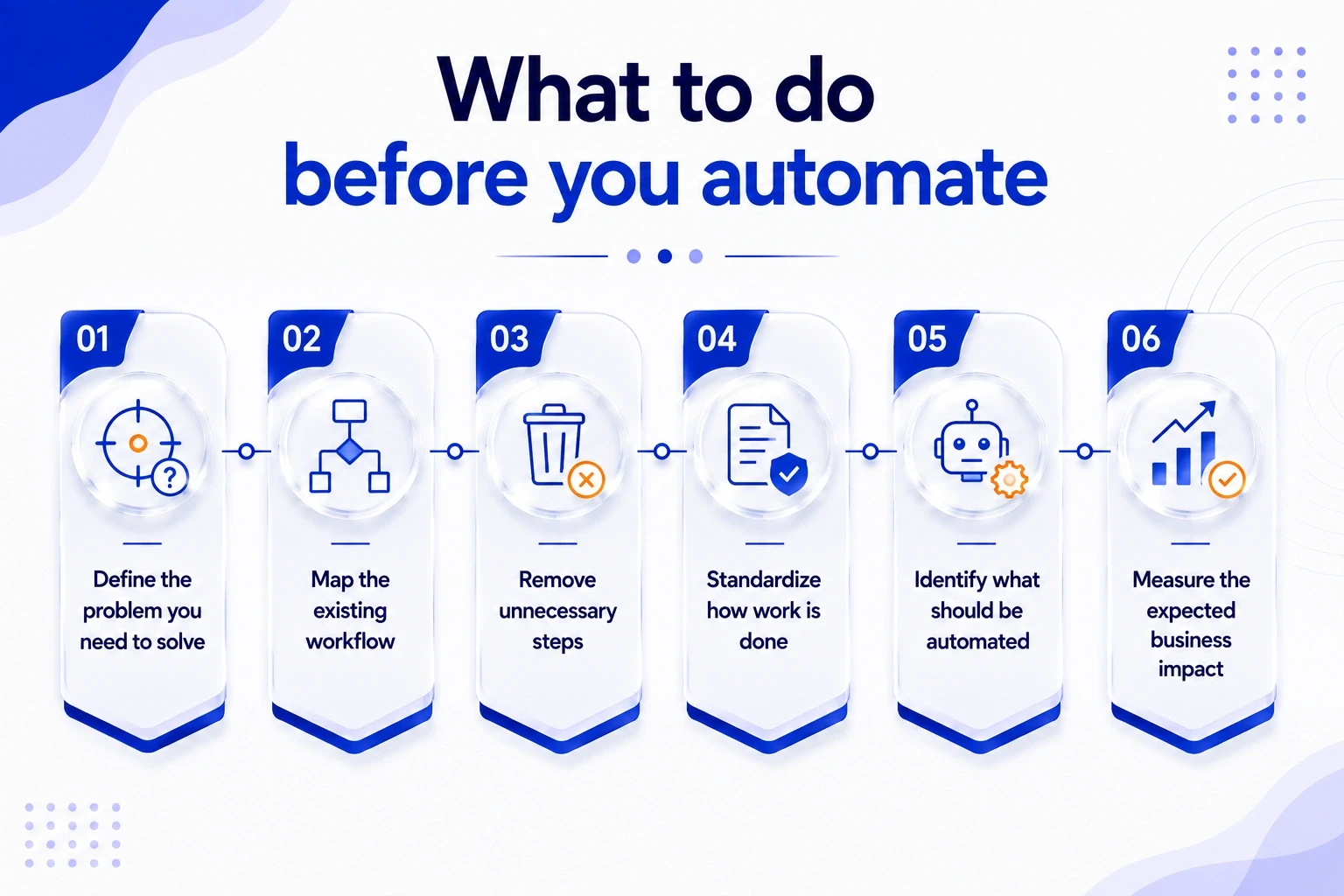
A practical sequence is:
Map → Remove → Standardize → Automate → Measure → Improve
Start by documenting what actually happens. Not what the procedure manual says should happen.
Then remove unnecessary work. Establish ownership. Standardize the steps that remain. After that, decide which parts are worth automating.
Measurement comes next. Track cycle time, errors, rework, volume, cost, and customer-facing delays. A successful automation project should produce a measurable change somewhere that matters to the business.
Then review the process again. Businesses change, and processes that once made sense can become outdated surprisingly quickly.
People should remain part of the picture. Exceptions, escalations, complex decisions, quality checks, and sensitive customer situations often require experience and judgment. Good automation gives those employees more room to handle that work instead of making them spend their day moving information between systems.
Sometimes the biggest problem is that nobody inside the business has enough distance from the process to see it clearly.
A department may know that work is slow but not know where the delay starts. Employees may have accepted workarounds as normal. Different teams may each believe another department is responsible for the bottleneck.
That is where process optimization consulting can help. Many growing businesses turn to consultation services at this stage, not to pick software, but to see the process clearly enough to decide what to fix, what to automate, and what to leave alone. That is the difference between buying technology and business and technology consulting.
For insurance organizations in particular, the role of insurance consultation can go beyond recommending software. An experienced consulting partner can examine policy processing, submissions, renewals, accounting, approvals, data movement, and back-office workflows as connected pieces of the operation.
The objective is to understand how work actually moves through the business, identify where time and resources are being lost, and determine which changes are worth making. Technology can then be evaluated based on the process it needs to support, rather than being introduced simply because a new tool is available.
Process optimization and automation serve different purposes, but they work best when approached in the right order. Businesses should first remove unnecessary steps, resolve bottlenecks, and standardize workflows before automating repetitive tasks.
FBSPL helps businesses review existing processes, identify inefficiencies, and find practical opportunities to automate repetitive work through its AI and automation consulting services. The right changes can reduce manual effort, improve accuracy, support faster turnaround times, and give employees more time for tasks that require judgment. Instead of adding technology to an inefficient workflow, businesses can build processes that are easier to manage today and better prepared for future growth.
Process optimization improves how work is designed and carried out, while automation uses technology to reduce manual effort. Businesses often benefit from optimizing a process before automating it.
Get the latest insights on insurance operations, policy management, and industry best practices.